info@printprint.ca
 81 West Pender Street, Vancouver BC V6B 1R3 • Open: 9 AM to 530 PM Monday to Friday
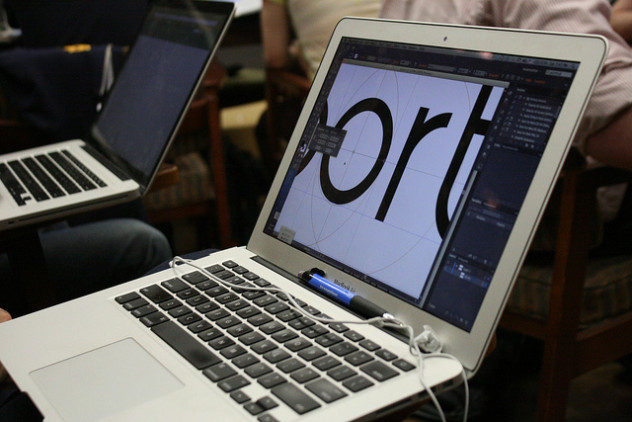
Find your templates for submitting artwork to printprint.ca (Photo: @matylda)
Looking for templates for your project? Find a wide variety of printshop templates for download, along with tutorials and a final checklist! Questions? Call PrintPrint at (604) 872.8943.
How to prepare Printshop templates
- Making an artboard with Illustrator
- Preparing bleedlines with Photoshop
- Packaging files with InDesign
- Preparing Artwork in Adobe Photoshop (PDF)
- Preparing Artwork in Corel Draw (PDF)
- Preparing Artwork for Large Format (PDF)
- Preparing Artwork for Plastic Cards (PDF)
Printshop templates
All templates are in .EPS unless specified.
- 3.5 x 2 Business Card templates (EPS, PDF)
- Wristband template (PDF)
- 2.25 x 7.75 Ticket template
- Button templates (1-3 inches) (EPS, PDF, PSD)
- 17 x 11 fold brochure
- 11 x 8.5 fold brochure
- 11 x 17 full bleed poster
- 3.375 x 2.125 plastic card
- 6 x 4 small postcard
- 5 x 7 large postcard
- 3.5 x 7 tear-off card
- 2 x 7 bookmark
- 2 x 5 mini-bookmark
- 2 x 2 twoonie
- 3.5 x 2 lamination cards
- 3 x 4 trading cards
- 3 x 5 flash cards
Checklist for submitting artwork to printprint.ca
- Colour format: CMYK not RGB
- Print resolution: 300ppi minimum
- Preferred file formats:
- EPS (with text converted to outlines or curves)
- TIFF (high res)
- JPEG (high res)
- Program Specs:
- Quark XPress 6.5 or lower
- Adobe Acrobat 7 or lower
- Adobe Illustrator CS5 or lower
- Adobe Photoshop CS5 or lower
- Adobe Indesign CS5 or lower
- Adobe Pagemaker 7 or lower
- Corel Draw 12 or lower
- Bleed: Files should bleed 0.125″ on each edge or 0.25″ on either axis
- Borders: We recommend against using borders
- Rich Black: A rich black of 40% Cyan, 10% Magenta, 10% Yellow and 100% process black should be used for large black areas. Do not use for text or gradients.
- Files must be supplied one up with a separate file for the front and back
- Compress large files before sending: